Instagram Story·1080 × 1920
ROAD TRIP
Desert Echoes
SEP 15, 2023·Alps Explorer
Made with MemoryFrame· memoryframe.withcloud.io
Upload photos to compose your memory collage.
Uploaded photos will appear here. Drag them onto any frame.
Free · No signup · Photos never leave your device
ROAD TRIP
Desert Echoes
Upload photos to compose your memory collage.
Free · No signup · Photos never leave your device
A trip is a story: the big view, the road, the small moments in between. This page opens Travel Story — a hero landscape on top with a row of moments below — plus a title overlay for the destination and dates.
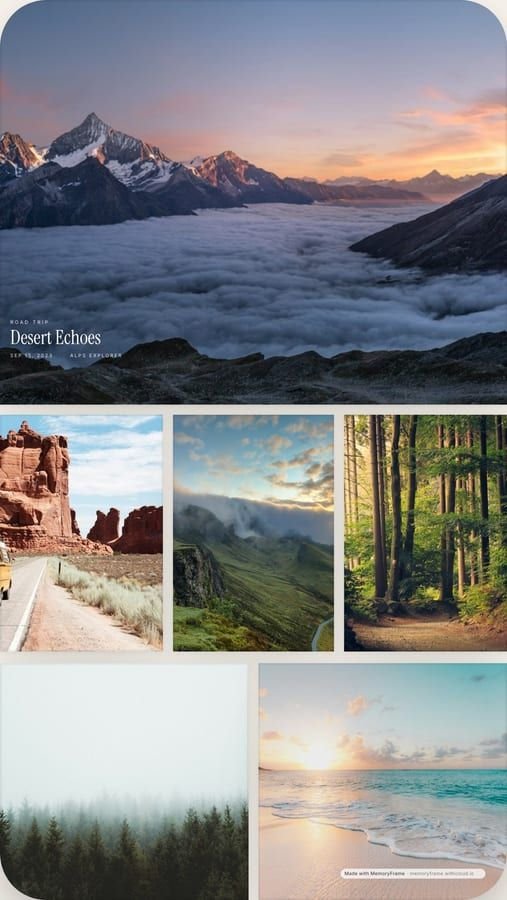
Good travel collages follow the trip instead of ranking the photos. Start with the place — the view when you arrived — then the details that made it yours: a meal, a street, the people you were with. Travel Story is built that way: one wide hero across the top, then a row of moments underneath.
On a long trip, one collage per city or per day keeps each image readable and gives you a series to post as you go. Change the title each time (the place and the dates) but keep the layout and background colour, so the set looks like it belongs together.