Instagram Story·1080 × 1920
ROAD TRIP
Desert Echoes
SEP 15, 2023·Alps Explorer
Made with MemoryFrame· memoryframe.withcloud.io
Upload photos to compose your memory collage.
Uploaded photos will appear here. Drag them onto any frame.
Free · No signup · Photos never leave your device
ROAD TRIP
Desert Echoes
Upload photos to compose your memory collage.
Free · No signup · Photos never leave your device
Sometimes you don't want a design — just your photos, lined up beautifully. This page opens Minimal Gallery, an edge-to-edge grid, on a square canvas. Frame spacing and corner radius are one slider each.
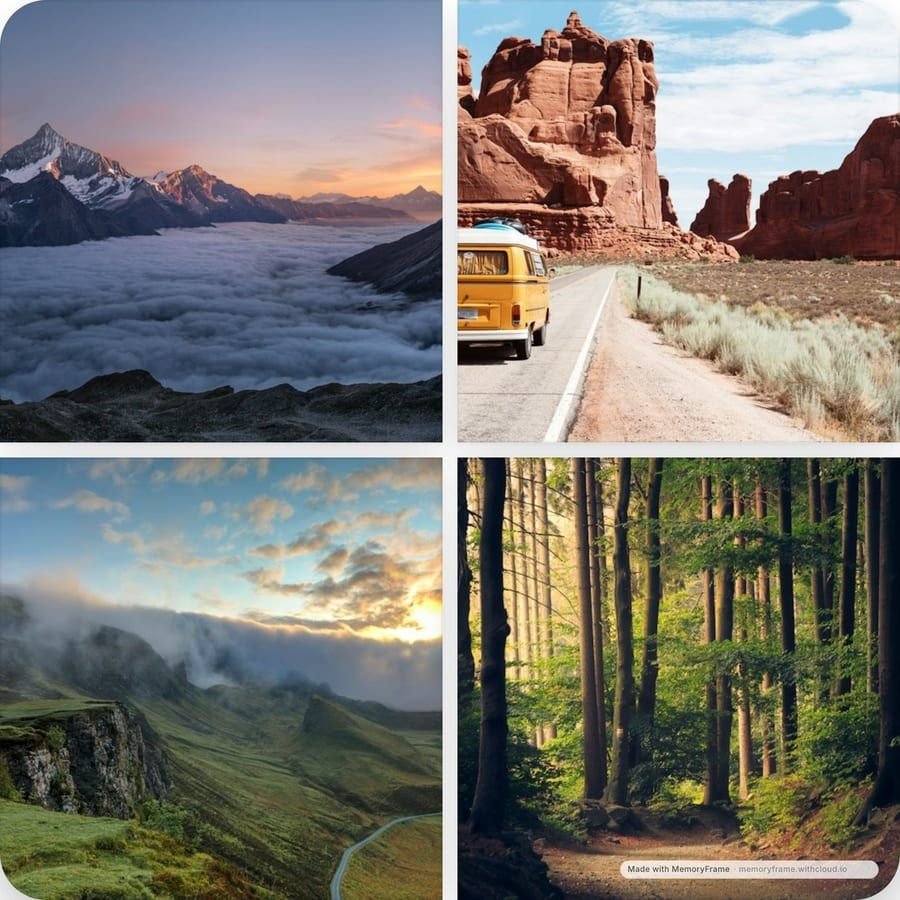
A grid looks best when its photos share something: similar colours, the same time of day, a consistent edit. Pick photos that belong together and leave out the odd one. Minimal Gallery gives its four frames similar weight, so a photo that doesn't match stands out more than it would in a storytelling layout.
Three settings shape most of a grid's character. Frame spacing sets the gap, from none (a seamless mosaic) to wide. Corner radius goes from sharp to soft. The background colour fills the gaps: white feels clean, black makes colours pop, and a colour taken from the photos ties everything together.