Instagram Story·1080 × 1920
ROAD TRIP
Desert Echoes
SEP 15, 2023·Alps Explorer
Made with MemoryFrame· memoryframe.withcloud.io
Upload photos to compose your memory collage.
Uploaded photos will appear here. Drag them onto any frame.
Free · No signup · Photos never leave your device
ROAD TRIP
Desert Echoes
Upload photos to compose your memory collage.
Free · No signup · Photos never leave your device
Widescreen is the shape of laptops, presentations and video. The editor opens on a 1920×1080 canvas with Winter Explorer — a crisp storytelling layout built for outdoor trips — ready to drop into a slideshow or set as a wallpaper.
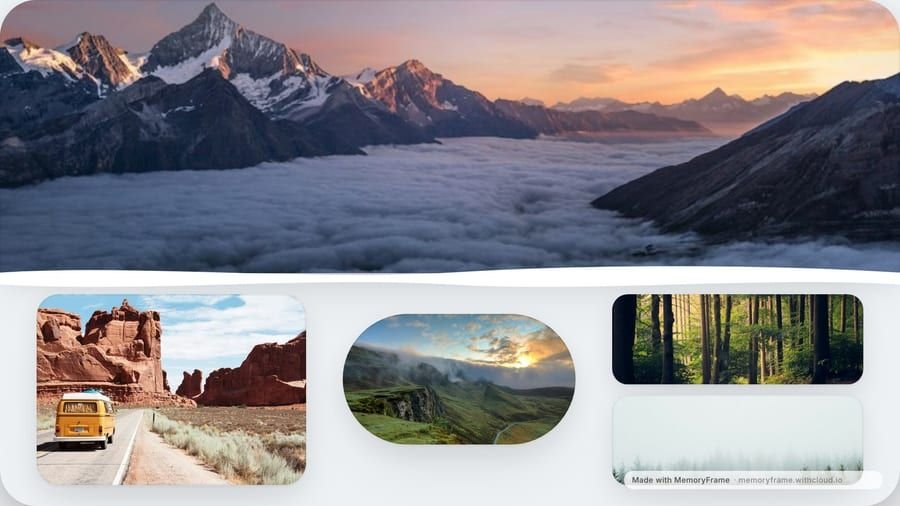
1920×1080 matches most laptop and monitor screens, so a landscape collage fills the desktop without stretching. Keep the area under your desktop icons fairly calm — the left edge on Windows, the right edge on a Mac — and put the busiest photos towards the middle.
Presentation and video tools default to 16:9, so a landscape collage drops onto a slide or into a timeline as a full-screen image. Winter Explorer leaves room for a title, which makes it a natural opening or closing slide: a trip recap, a team offsite, a year in review.