Instagram Story·1080 × 1920
ROAD TRIP
Desert Echoes
SEP 15, 2023·Alps Explorer
Made with MemoryFrame· memoryframe.withcloud.io
Upload photos to compose your memory collage.
Uploaded photos will appear here. Drag them onto any frame.
Free · No signup · Photos never leave your device
ROAD TRIP
Desert Echoes
Upload photos to compose your memory collage.
Free · No signup · Photos never leave your device
Square is the shape that works everywhere — feeds, profile highlights, messaging apps and prints. This page opens on a 1:1 canvas with Photo Wall, which packs a whole album of tilted prints into a single image.
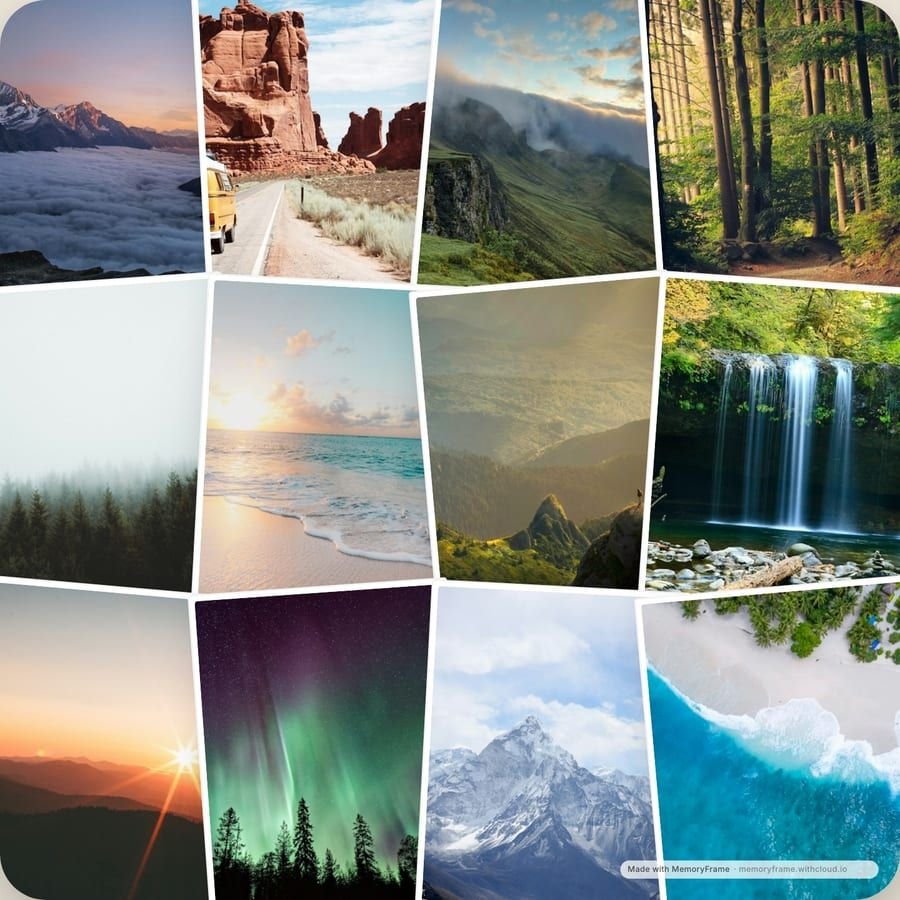
Square works almost everywhere without cropping: Facebook and Instagram feeds, WhatsApp and iMessage previews, profile highlights and square photo prints. If you don't know yet where a collage will end up, square is the safe default — and at 1440×1440 it's large enough to scale down for any of them.
Photo Wall holds twelve photos, overlapping tilted prints so each one stays a decent size. Mix close-ups with wide shots so the wall has rhythm, and put faces near the middle of each photo, where neighbouring prints won't cover them.